
GETTING A BETTER DEAL FROM TRACFONE
My quest for the perfect cell phone service started at a square dance. I was trying to make a phone call but couldn’t connect. Everyone else could.
A friend suggested I get a cheap Tracfone plan as a backup. So I added it to an old iPhone I had lying around. It seemed like a good idea at first, but I didn’t really need two phone services. So I took the Tracfone SIM card out of the iPhone and put it in my larger and newer Android, after canceling its service. Now I’m saving hundreds of dollars a year, with no connection issues so far. Tracfone is owned by Verizon.
My previous carrier, Google Fi, cost me between $20 and $50 a month, depending on how much cellular data I used. Even at the no-data level, it cost me almost twice as much as my Tracfone plan. I now pay only $125 a year. The plan comes with 1500 texts,1500 voice minutes, and 1.5 gigabytes of data. To find the same deal yourself, search on “$125 year plan on Tracfone.”
You’re probably thinking: “Your plan has a miniscule amount of data.” So true. But 90% of the time, I use my home’s WiFi connection. If I’m out and about, there’s free WiFi everywhere I go: at the gym, at stores, at the dentist’s office. I just open my Internet settings and connect. On the downside, Tracfone subtracts minutes from my voice-minute total even when I’m on WiFi. But that’s not really a problem. I can make free calls with many different smartphone apps, including WhatsApp, Facebook Messenger, Signal and others.
According to AndroidCentral, my Google Pixel 3a is the best phone to use with TracFone. Though a refurbished version goes for only $100, it has everything I need. I don’t think I could tell the difference between its resolution and the $899 Pixel 6 Pro at first glance. The 3a has a fantastic camera. And just like the more expensive models, all Pixel phones get the latest Android operating system before any other phone. Its only weak point is its battery life, but I’m in the habit of bringing my powerbank on the plane and in similar situations.
These days, it’s easy to inform others of a new phone number. I went to contacts.google.com and clicked on “frequently contacted.” Then I sent an email to 50 people at a time. I heard from friends and relatives I haven’t heard from in ages. The whole experience was a kick. But you can keep your main phone number if you’re starting out with a new plan. I just didn’t want to waste the minutes I already had.
 App for Math Help

If your child or young relative ever gets stuck on a math problem, and you can’t figure it out either, consider brainly.com or the free Brainly app. Students there take a picture of the problem and ask someone to answer it for them. I just helped a child with an easy square root problem. The site asked me to show my work, which I did. But I hope this kind of thing isn’t producing a nation of cheaters. The app has 350 million users all over the world, either on the website or in the free Android and iPhone apps. Oh well. It’s better than Googling the answer and not looking at the explanation. Or getting stuck permanently.
Solving the Electricity Problem Behind Cryptocurrency
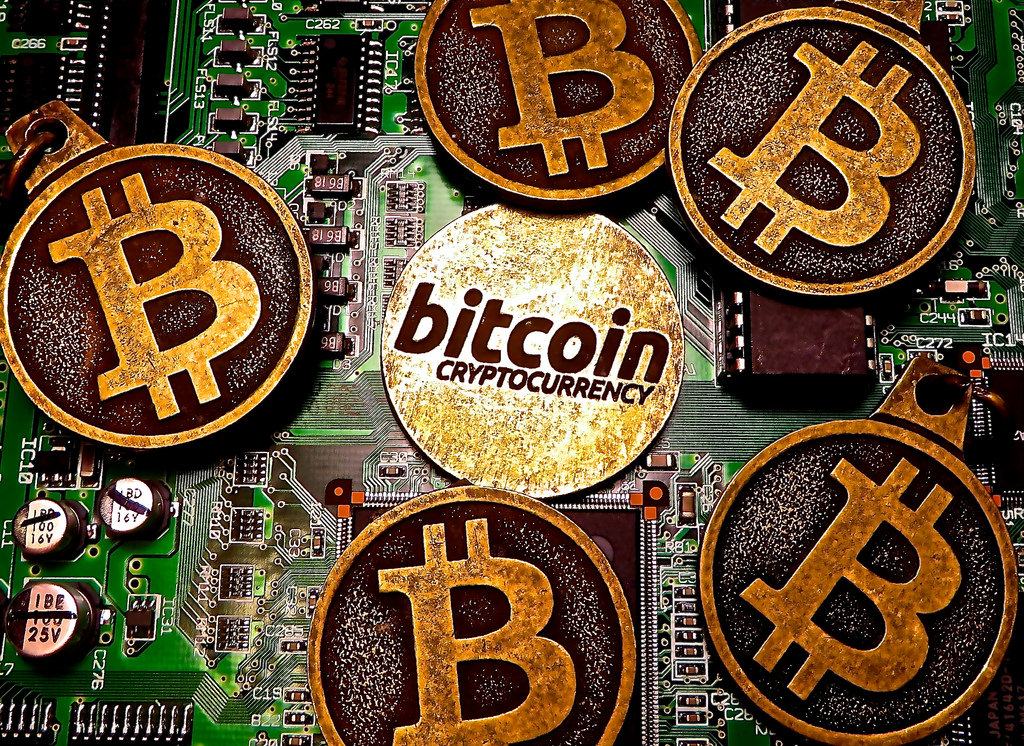 The Bitcoin network consumes more electricity than all of Argentina, according to CNET. But it doesn’t have to.
Cryptocurrencies require a “proof of work.” Computers have to do complex calculations to prove that each coin is real. Satisfying this requirement for a single coin takes as much electricity as the average household uses in almost two months. A different approach, called “proof of stake,” doesn’t require much computing power because there are no mathematical equations to solve. Ethereum, the second most popular cryptocurrency, is planning to make the move to “proof of stake,” according to TheVerge.com.
Ari Juels, the Cornell professor who coined the term “proof of work” in 1999, testified in favor of the new method before Congress. Whether or not it comes to pass, the Bitcoin community should be applauded for introducing blockchains to the world, he says.
Saving Data
You might think you’re being careful only to download stuff when you’re in range of your home WiFi connection. But unbeknownst to you, phone apps can use cellular data to update themselves instead of waiting till you get home or are in range of free WiFi somewhere else. That’s a problem if you’re on a limited data plan.
On an iPhone turn on “Low Data Mode.” To find it, tap “Settings,” then “Cellular,” then “Cellular Data Options.” Once you’re there, toggle on the switch next to “Low Data Mode.” On an Android phone, in Android 12, tap “Settings,” then “Network and Internet,” then “Data Saver,” then “Use Data Saver.” If your operating system is different, just tap “Help” under Settings and type in “Data Saver.”
 Internuts

- “Best and Worst Metro Areas for Stem Professionals.” Search on that phrase to see WalletHub’s list. Seattle ranks number one out of 100. Little Rock is 97.
-

Quickdraw.withgoogle.com gives you 20 seconds to draw something on your screen while its artificial intelligence system tries to figure it out. It recognized my hot tub, stop sign, palm tree, yoga person, and guitar, but not my whale, mushroom or scorpion.

Filed under: 3D Printing, cheap calls, crytpocurrency, education, Internuts, kids, phones